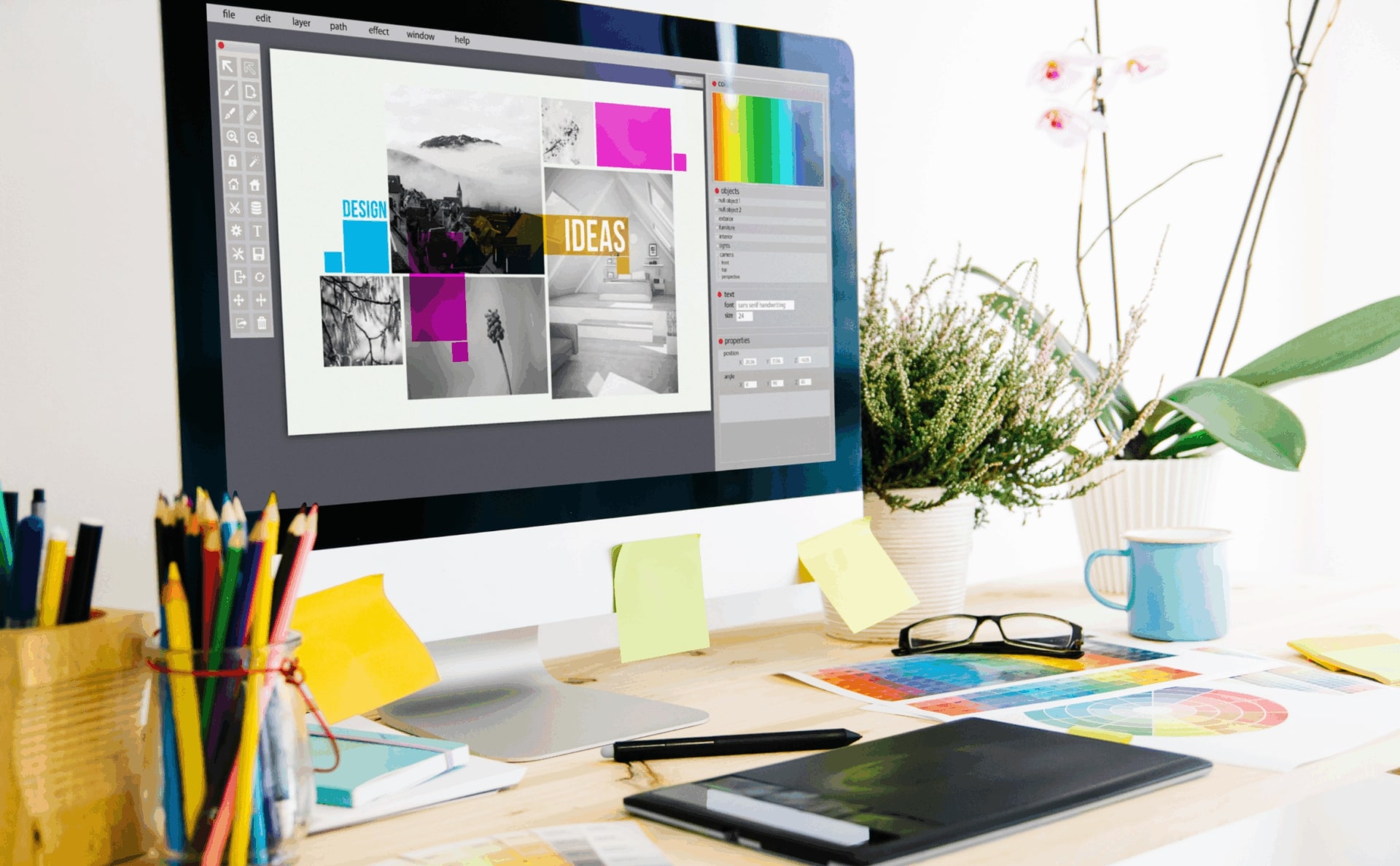
Graphic Design Made Simple: Canva, AI & Online Video Tools

Learn how to create professional graphics, engaging videos, and social media content using beginner‑friendly tools like Canva and AI‑powered design platforms.

Subscribe and save
For just 52.70€ /month
Get this course for free

when you subscribe. Terms apply.

Access all icollege courses
Cancel anytime
What you'll learn
The fundamentals of visual storytelling and design in modern culture
Typography essentials: readability, hierarchy, and pairing fonts effectively
Color theory basics: branding, palettes, and creating mood
Layout and composition: grids, white space, and visual flow
Getting started with Canva and templates for digital and print
Exploring AI design tools: Midjourney, Firefly, DALL-E and more
Video design fundamentals: thumbnails, motion graphics, branding, subtitles
Creating a beginner portfolio with real design projects
This course includes:
10 hours on-demand video
12 modules
Access on computer, mobile phone and TV
Certificate of completion

Course Content

Lesson 5.7: Creating poster
Module 6: Brand-Ready Logos: Designing Simple, Memorable Marks
Lesson 6.1: Create a logo
Lesson 6.2: Check trademarks
Lesson 6.3: Potential tools
Lesson 6.4: Using Canva
Lesson 6.5: Removing the background
Lesson 6.6: Color palettes
Module 7: Canva in Action: Creating a Clean Instagram Post
Lesson 7.1: How to design for Instagram
Lesson 7.2: Content and algorithm
Lesson 7.3: Formats and engagement tactics
Lesson 7.4: Color psychology
Module 8: Designing for Instagram: Layout, Flow & Engagement
Lesson 8.1: Practice in designing for Instagram
Lesson 8.2: Sound effects & voice over
Module 9: Designing for YouTube: Visual Hierarchy & Click Psychology fundamentals
Lesson 9.1: How to create graphics for YouTube
Lesson 9.2: Designing thumbnails
Lesson 9.3: Fixing bad mistakes
Lesson 9.4: Case study
Lesson 9.5: Cheat sheets
Module 10: Canva Project: Eye-Catching YouTube Thumbnails
Lesson 10: Youtube thumbnail design practical exercise video
Module 11: Project Workshop: Create a Promotional Flyer in Canva
Lesson 11.1: Flayer creation
3 of 4
Course FAQ
  • No. This course is designed for complete beginners

Requirements:
A computer with access to the internet
No programming experience needed - we'll teach you everything you need to know

Who this course is for:
Beginners who want to understand the principles of graphic design
Small business owners and entrepreneurs who want to design their own marketing materials
Content creators who need eye-catching visuals for social media, YouTube or TikTok
Anyone curious about combining traditional design principles with modern AI tools
share:
Subscribe and save
For just 52.70€ /month
Get this course for free

when you subscribe. Terms apply.

Access all icollege courses
Cancel anytime

buy individual course

 106.74

share:
Shopping cart0
There are no products in the cart!
Skip to content